
Content Writing Company

Author name: contentwriting

Wordpress 7.0.1-Update
Blog

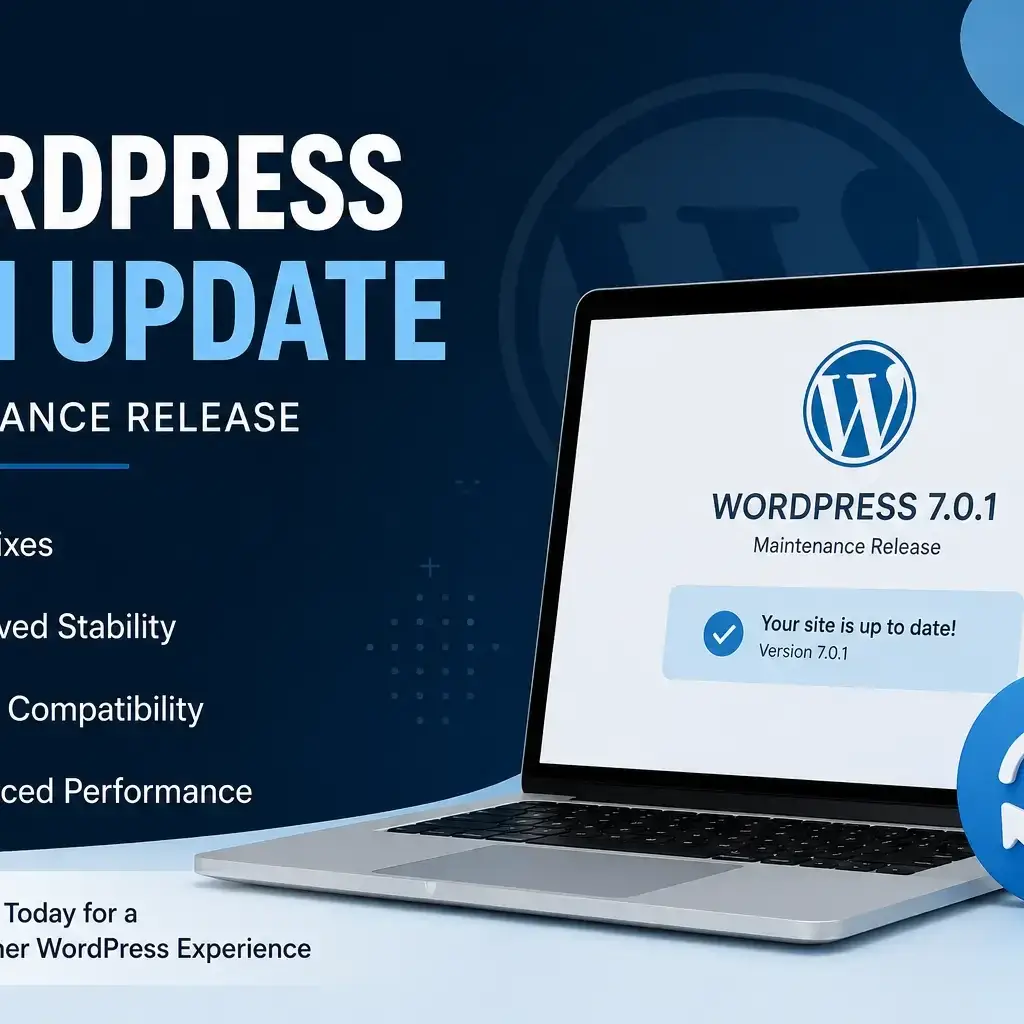
WordPress 7.0.1 Update: Everything You Need to Know About the Latest Maintenance Release

WordPress continues to improve its content management system through regular maintenance releases that enhance stability, compatibility, and overall website performance. The WordPress 7.0.1 Update is one such release, focusing on fixing bugs and refining the user experience instead of introducing major new features. If you manage a WordPress website, whether it’s a personal blog, business website, eCommerce store, or portfolio, installing maintenance updates is an essential part of keeping your site secure and running smoothly. In this article, we’ll explore what WordPress 7.0.1 is, why it matters, what improvements it includes, and how you can update your website safely. What Is the WordPress 7.0.1 Update? The WordPress 7.0.1 Update is a maintenance release designed to resolve issues discovered after the launch of WordPress 7.0. Unlike major releases that introduce significant features or redesign parts of the platform, maintenance releases concentrate on improving reliability by fixing bugs affecting both the WordPress Core and Block Editor. These updates help website owners enjoy a more stable editing experience, better compatibility with themes and plugins, and improved overall performance. Maintenance releases are generally recommended for most WordPress users because they improve the platform without introducing significant changes that could affect website functionality. Why Maintenance Releases Are Important? Many website owners assume that only major WordPress releases are worth installing. In reality, maintenance updates play an equally important role. A maintenance release helps by: Even if you don’t notice obvious issues on your website, installing maintenance releases ensures that your site benefits from the latest improvements developed by the WordPress community. Key Improvements in WordPress 7.0.1 Although WordPress 7.0.1 doesn’t introduce headline features, it includes numerous behind-the-scenes refinements that contribute to a smoother experience. Some of the major areas of improvement include: Improved Block Editor Stability The Gutenberg Block Editor continues to evolve with every release. WordPress 7.0.1 addresses several editor-related issues to provide a more reliable content writing experience. Users may notice smoother interactions while editing pages and posts, particularly when working with multiple blocks or more complex layouts. WordPress 7.0.1 Update Offers Better Core Reliability Maintenance updates often include fixes within the WordPress Core that improve how the platform functions behind the scenes. These refinements help ensure that routine tasks such as publishing content, managing media, updating settings, and working with themes operate more consistently. Compatibility Enhancements WordPress websites often rely on multiple plugins and custom themes. Small compatibility improvements in maintenance releases help reduce conflicts and ensure that websites continue functioning as expected after updates. This is especially valuable for businesses that depend on third-party tools for SEO, forms, analytics, or eCommerce. Bug Fixes Across Multiple Components The development community continuously identifies and resolves issues reported by users. WordPress 7.0.1 addresses a variety of bugs affecting different parts of the CMS, improving the overall user experience without changing the platform’s core functionality. Should We perform WordPress 7.0.1 Update? For most users, the answer is yes. Maintenance releases are specifically designed to improve the stability of existing installations. If your website is already running WordPress 7.0, upgrading to version 7.0.1 is generally recommended. Website owners should still follow standard update practices, including: Taking these precautions minimizes the chances of compatibility issues while ensuring your website benefits from the latest improvements. How to Update WordPress 7.0.1? Updating WordPress is straightforward. Many hosting providers also offer automatic WordPress updates, allowing maintenance releases to be installed with minimal manual effort. Best Practices Before Updating Although maintenance releases are generally safe, following a few best practices can help prevent unexpected issues. Create a Backup Always back up your files and database before making any updates. A backup allows you to restore your website if something unexpected occurs. Update Plugins Outdated plugins can sometimes create compatibility issues. Ensure your plugins are updated to their latest stable versions. Use a Staging Site If you manage a business website or online store, consider testing updates on a staging environment before applying them to your live website. Review Critical Functionality After updating, test essential website features such as: This helps identify any issues quickly. Who Should Install the Update? The WordPress 7.0.1 Update is suitable for a wide range of users, including: Because the release focuses on maintenance rather than new features, it offers improvements without requiring users to learn a redesigned interface. Benefits of Staying Updated Keeping WordPress updated provides several long-term advantages. Regular updates help: Businesses that consistently install maintenance updates often experience fewer technical issues compared to websites running outdated versions. Final Thoughts The WordPress 7.0.1 Update may not introduce major new features, but it plays an important role in improving the reliability and usability of the world’s most popular content management system. By resolving bugs, refining the Block Editor, and strengthening core functionality, this maintenance release helps website owners maintain a smoother and more dependable WordPress experience. If your website is already running WordPress 7.0, updating to version 7.0.1 is a sensible step toward maintaining stability and compatibility. As with any update, remember to create a backup, verify plugin and theme compatibility, and test your website after installation. Staying current with maintenance releases keeps your website healthy, improves day-to-day management, and ensures you’re well prepared for future WordPress versions.
how to start a blog
Blog

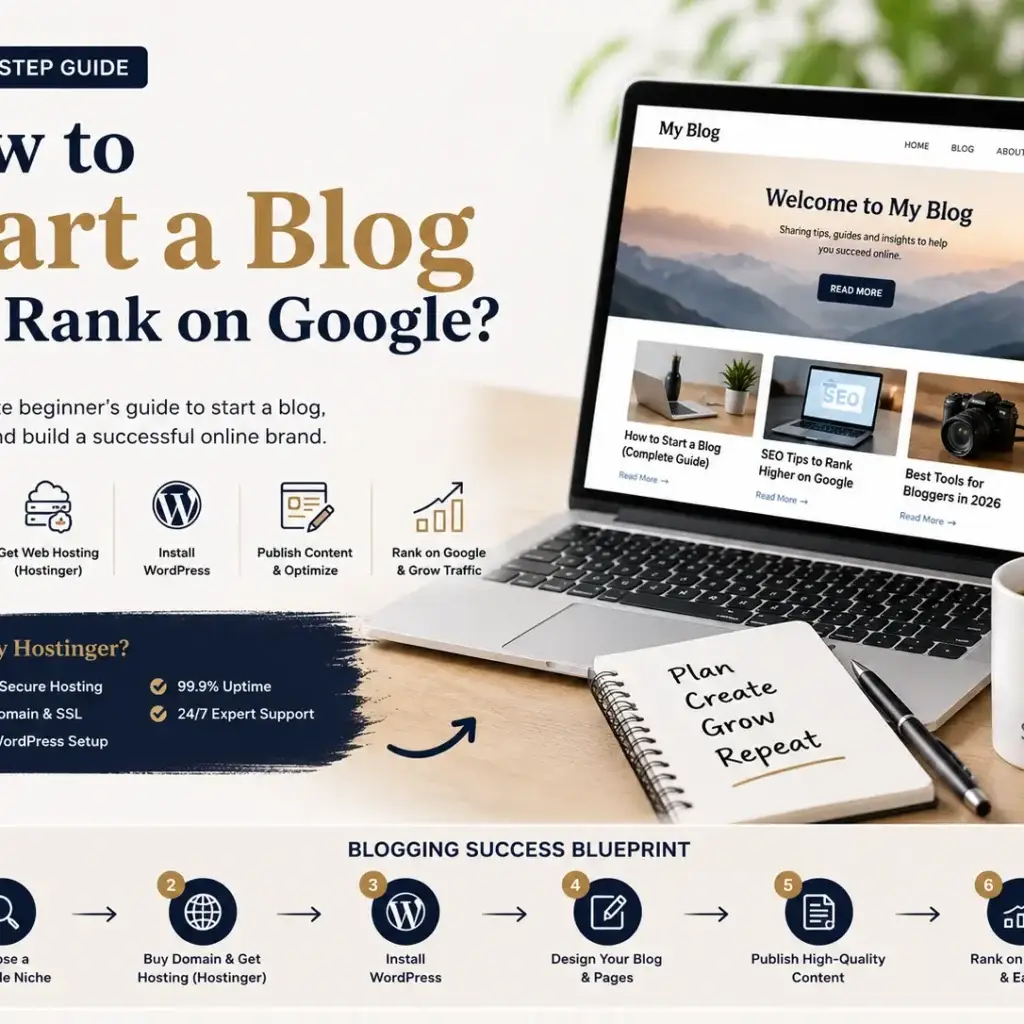
How to Start a Blog and Rank on Google in 2026 (Beginner’s Step-by-Step Guide)

How to Start a Blog and Rank on Google in 2026 (Beginner’s Step-by-Step Guide) If you have been thinking about starting a blog, this is probably the best time to do it. Blogging in 2026 is no longer just about sharing ideas. It has become one of the most practical ways to build an online brand, generate passive income, sell services, and even grow a full-time business. But here’s the truth: simply starting a blog is not enough. If you want traffic, leads, or income, you need to know how to start a blog the right way and how to rank it on Google. The process is simple: Choose a niche, buy a domain, get the best hosting for beginners, install WordPress, and start publishing content that solves real problems. That sounds easy, but the real difference comes from making smart decisions in the beginning. This guide will walk you through everything. How to Start a Blog for Beginners? If you are a complete beginner, starting a blog can feel overwhelming. Questions like: The answer is yes—you can. To start a blog, follow these steps: That’s the foundation of every successful blog. The good part? You do not need technical knowledge. What is the Best Niche to Start a Blog? Before you buy anything, choose your niche. Your niche decides your audience, content strategy, and earning potential. A good niche should: Some profitable niches include: For example, if you choose blogging itself, you can create articles like: That creates strong topical authority. How to Choose a Domain Name for Your Blog? Your domain is your blog’s identity. Think of it like your online address. A good domain name should be: For example: If your niche is content writing: Avoid complicated names. Simple domains usually perform better for branding. Which is the Best Hosting for Beginners? This is one of the most important decisions. Your hosting affects: If your site loads slowly, people leave. And when people leave quickly, Google notices. That’s why choosing the best affordable hosting for bloggers matters. For beginners, Hostinger is one of the strongest choices. Why? Because it offers: If you are looking for cheap hosting for WordPress blogs, Hostinger gives great value without compromising speed. Is Hostinger Good for Blogging? Short answer: Yes. This is one of the most searched high-intent questions. If your goal is to build a fast blog, run affiliate content, or create niche websites, Hostinger works very well. Why bloggers choose Hostinger: Many beginners compare Hostinger with Bluehost. But if budget and performance matter, Hostinger often wins. That’s why it is often recommended as the best hosting for blogging. How to Install WordPress on Hostinger? Once your hosting is ready, installing WordPress takes only a few minutes. Steps: Done. Your blog is live. WordPress powers more than 43% of all websites, and for good reason. It is flexible, beginner-friendly, and SEO-friendly. What Pages Should Every Blog Have? Before writing blog posts, create these pages: Home Page Your main introduction. About Page Tell readers who you are. Contact Page Build trust. Privacy Policy Important for legal compliance. Disclaimer Very important for affiliate websites. Blog Page Where your articles are displayed. These pages also help if you plan to apply for Google AdSense or affiliate programs. How to Write Blog Posts That Rank on Google? This is where most bloggers fail. They write content but forget search intent. Google ranks helpful content. To write content that ranks: For example: Instead of writing:“Blogging is important.” Write:“Blogging helps businesses generate organic traffic, build trust, and create long-term passive income.” That is clearer and more useful. How to Do SEO for Blog Posts? SEO is what helps your content get discovered. Here’s what matters: Use Keywords Naturally Your main keyword should appear in: Optimize Meta Title Example:How to Start a Blog and Rank on Google Improve Site Speed A fast website ranks better. This is why many people invest in fast hosting for SEO. Add Internal Links Link your related posts. Use Optimized Images Compress images and use alt text. Focus on User Experience Easy navigation matters. How to Rank a Blog Faster on Google? Ranking takes time, but here’s how you can speed it up: One important tip: Start with buyer-intent keywords like: These keywords often convert better. How Long Does It Take to Rank a Blog? Most blogs start getting traffic in 3 to 6 months. But it depends on: If you choose easier keywords, results can come faster. Blogging rewards consistency. Frequently Asked Questions 1. How much does it cost to start a blog? You can start a blog for around ₹149–₹299 per month with Hostinger. That usually includes hosting, SSL, and sometimes a free domain. 2. Which is the best hosting for beginners? For most beginners, Hostinger is one of the best options because it is affordable, fast, and easy to use. 3. Can I start a blog without coding? Yes. With WordPress, you do not need coding knowledge. Everything is beginner-friendly. 4. Is blogging still profitable in 2026? Yes. Blogging is still profitable through: 5. Is Hostinger good for affiliate blogs? Yes. Hostinger is widely used for affiliate blogs because it offers speed, affordability, and beginner-friendly features. 6. How do beginners make money from blogging? Beginners make money through: Final Thoughts Learning how to start a blog is not difficult. The difficult part is staying consistent. Most people quit too early. If you choose the right niche, invest in the best blog hosting for beginners, publish valuable content, and focus on SEO, your blog can become a long-term asset. If you are just starting out, Hostinger is one of the smartest choices because it combines affordability, speed, and simplicity. Start now. A year from today, you will be glad you did.

Google Spam policy Updates 2026
Blog

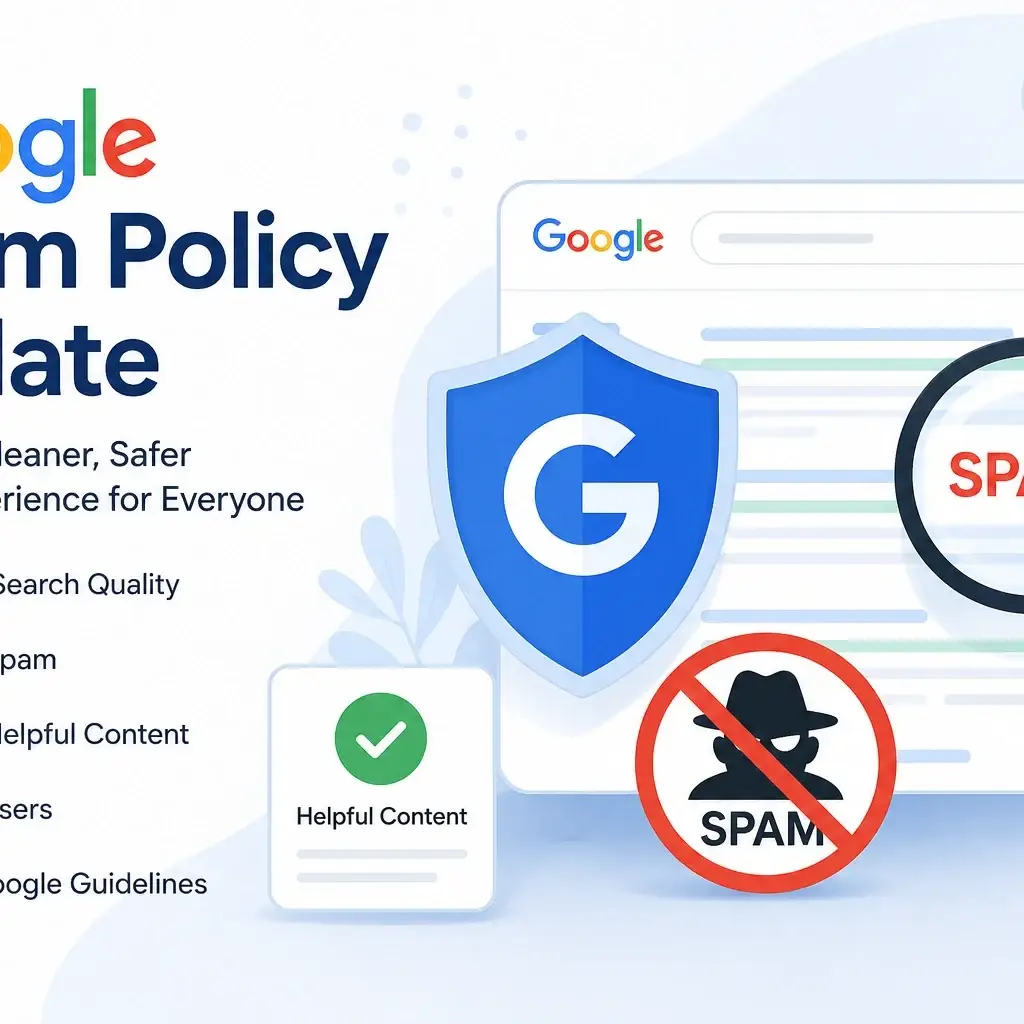
Google Spam Policy Update: Everything You Need to Know About Google Search Spam Updates

Google regularly improves its search algorithms to ensure users receive high-quality, trustworthy, and relevant content. One of the most important initiatives in this effort is the Google Spam Policy Update, which focuses on identifying and reducing spammy content in Google Search results. Whether you’re a website owner, blogger, SEO professional, or digital marketer, understanding Google Search Spam Updates is essential for maintaining your rankings and avoiding penalties. This guide explains what these updates are, why they matter, and how you can keep your website compliant with Google Spam Policies. What Is the Google Spam Policy Update? The Google Spam Policy Update refers to changes Google makes to its spam detection systems and policies to improve search quality. These updates help remove websites that use manipulative SEO techniques while rewarding websites that provide valuable, original, and user-focused content. Unlike core algorithm updates that broadly affect rankings, spam updates specifically target websites engaging in practices that violate Google Search Spam Policy guidelines. Google continuously refines its automated systems to detect spam more effectively, ensuring that users find reliable information instead of low-quality or deceptive pages. Why Does Google Release Search Spam Updates? The primary goal of Google Search Spam Updates is to protect users from misleading or low-quality search results. These updates help: 🎯 Goals of Google Search Spam Updates ✅ Improve the quality of search results. ✅ Reduce deceptive SEO practices. ✅ Reward original and helpful content. ✅ Prevent manipulation of Google’s ranking systems. ✅ Create a better search experience for users. As search behavior evolves, Google regularly updates its spam detection methods to identify new forms of manipulation. 🚫 Common Violations of Google Spam Policies Google’s spam policies cover a wide range of practices that can negatively impact search quality. Website owners should avoid the following spam techniques to maintain compliance with Google’s Search guidelines. 🔑 Keyword Stuffing Adding excessive keywords unnaturally into content to manipulate search engine rankings instead of providing value to users. 🎭 Cloaking Showing different content to search engines than what visitors actually see, which misleads both users and Google. 👁️ Hidden Text or Links Using invisible text or concealed links solely to influence search rankings without benefiting users. 🤖 Automatically Generated Content Publishing low-quality AI-generated or automated pages without meaningful human review, originality, or added value. 🔗 Link Spam Buying, selling, or exchanging links primarily to manipulate PageRank or improve search rankings artificially. 📄 Thin Content Publishing pages containing little original information, duplicate material, or content that provides minimal value. 📋 Scraped Content Republishing content from other websites without permission or without adding unique insights and original value. ✅ Best Practice: Following Google Spam Update Guidelines helps website owners avoid these violations, maintain compliance with Google’s policies, and achieve sustainable long-term search visibility. Importance of Google Search Spam Documentation The Google Search Spam Documentation serves as Google’s official reference for understanding spam policies and best practices. It explains: Reviewing the official documentation regularly helps publishers stay informed as Google’s policies continue to evolve. Official Google Spam Update Resources Whenever Google announces significant changes, website owners should consult the Official Google Spam Update resources rather than relying solely on third-party interpretations. Google’s official documentation provides the most accurate information about policy changes, spam detection improvements, and compliance recommendations. By following Google’s guidance, website owners can make informed decisions that support sustainable SEO strategies. Final Thoughts about Google Spam Policy Update The Google Spam Policy Update is designed to improve search quality by reducing spam and promoting valuable, trustworthy content. Rather than attempting to manipulate search rankings, website owners should focus on helpful content writing, maintaining technical best practices, and providing an excellent user experience. Understanding Google Search Spam Updates, complying with Google Spam Policies, and referring to the latest Google Search Spam Documentation can help protect your website from penalties while building long-term organic visibility. Sustainable SEO is achieved through quality, transparency, and adherence to Google’s evolving search guidelines. FAQs – Google Spam Policy Update What is the Google Spam Policy Update? The Google Spam Policy Update is a search quality update that improves Google’s ability to detect and reduce spam in search results. It targets websites using manipulative SEO techniques while rewarding high-quality, helpful, and original content. Why does Google release Search Spam Updates? Google releases Search Spam Updates to improve the quality of search results, reduce spam, prevent ranking manipulation, and ensure users find trustworthy and relevant information. What are Google Search Spam Policies? Google Search Spam Policies are official guidelines that define prohibited practices such as keyword stuffing, cloaking, hidden text, link spam, automatically generated spam content, and other deceptive techniques that violate Google’s Search standards. How can I check if my website is affected by a Google Spam Update? You can monitor your website using Google Search Console by checking changes in impressions, clicks, indexing status, manual actions, and organic traffic after a spam update. Comparing performance before and after the update can help identify potential impacts. Does AI-generated content violate Google’s Spam Policy? Not necessarily. Google focuses on content quality rather than how it is created. AI-generated content that is original, accurate, helpful, and reviewed by humans can comply with Google’s policies, while low-quality or automatically generated spam content may violate the guidelines. What types of websites are most affected by Google Spam Updates? Websites using black-hat SEO tactics, copied content, excessive keyword stuffing, link schemes, cloaking, hidden text, or other manipulative practices are more likely to be affected by Google Spam Updates. How often does Google release Spam Updates? Google does not follow a fixed schedule for Spam Updates. They are released whenever Google improves its spam detection systems or introduces changes to combat new spam techniques. Can a website recover after being affected by a Google Spam Update? Yes. Website owners can recover by identifying policy violations, removing spam practices, improving content quality, fixing technical issues, and following Google’s Search Spam Policies. Recovery may occur after Google recrawls and reassesses the site. What is the difference between a

Blog

Test Blog Page

. This is a test paragraph to check spacing and readability.We are testing how the blog layout looks on the archive page. Section Heading This section helps us preview heading size and paragraph spacing. Another Section More placeholder text to simulate a real article.

Scroll to Top